Modify your billing cycle in Framer
Framer allows you to adjust your billing cycle to better suit your financial planning and budgeting needs. For the Basic and Pro plans, you can choose between a monthly or annual billing cycle and make changes as needed.
Upgrading from monthly to yearly billing
If you wish to switch to an annual billing period, you can do so at any time. Follow these steps:
Choose the project you want to upgrade.
Navigate to the project's settings.
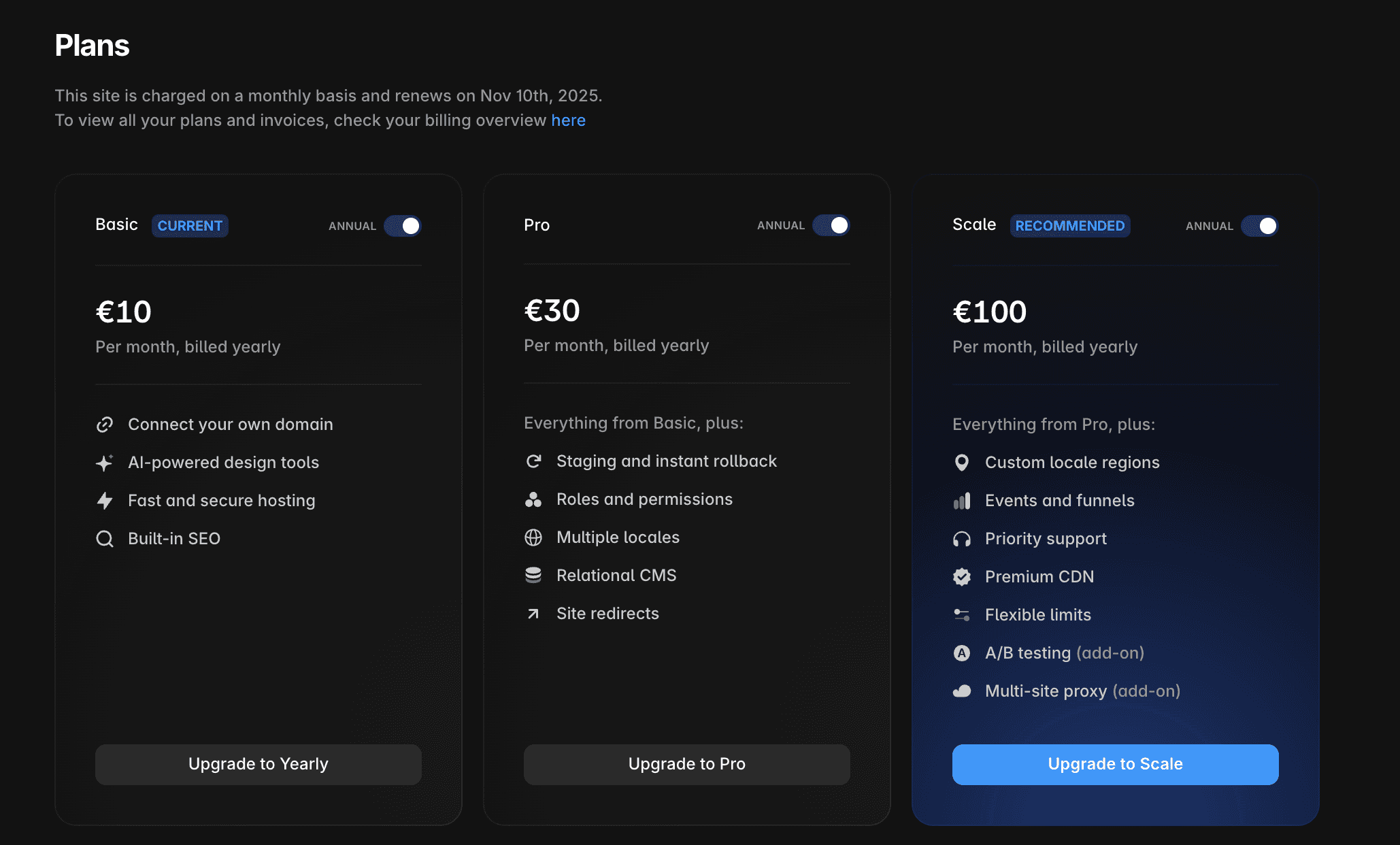
Select the “Plans” option to view the current plan associated with the project.
Switch the ’Yearly’ toggle to change the billing period.
Click ‘Upgrade’ button below the name of your Site plan.
After clicking the ’Upgrade’ button, you will see a summary of the payment.
Downgrading from yearly to monthly billing
Currently, Framer does not support downgrading from yearly to monthly billing directly through the website. To change your billing cycle, please contact our support team via our contact page and provide the project link for assistance.
There are a few considerations that you need to take into account before downgrading your plan:
All projects in the workspace will switch to monthly billing.
Unused months from your annual subscription will be credited to your account. However, refunds are not offered for these months as per our Refund Policy.
The monthly rate is higher than the equivalent monthly amount in the annual plan. The annual plan discount applies only to longer commitments.
For any issues or further assistance, feel free to reach out to Framer's support team through our contact page.
How can I upgrade my Framer project from monthly to yearly billing?
To switch to an annual billing period, choose the project you want to upgrade, navigate to the project's settings, select the 'Plans' option to view the current plan, switch the 'Yearly' toggle to change the billing period, and click the 'Upgrade' button below the name of your Site plan. After clicking 'Upgrade,' you will see a summary of the payment.
Is it possible to downgrade from yearly to monthly billing in Framer?
Currently, Framer does not support downgrading from yearly to monthly billing directly through the website. To change your billing cycle, please contact the support team via the contact page and provide the project link for assistance.
What should I consider before downgrading my Framer plan from yearly to monthly?
Before downgrading, note that all projects in the workspace will switch to monthly billing. Unused months from your annual subscription will be credited to your account, but refunds are not offered for these months as per the Refund Policy. Also, the monthly rate is higher than the equivalent monthly amount in the annual plan, as the annual plan discount applies only to longer commitments.
Updated