How to find and download an invoice
If you’ve purchased a subscription and need to access your invoice, Framer makes it simple.
To review invoices for a specific workspace, follow these steps:
Log into your Framer account and navigate to the dashboard. Select the workspace with the subscription using the Workspace selector.
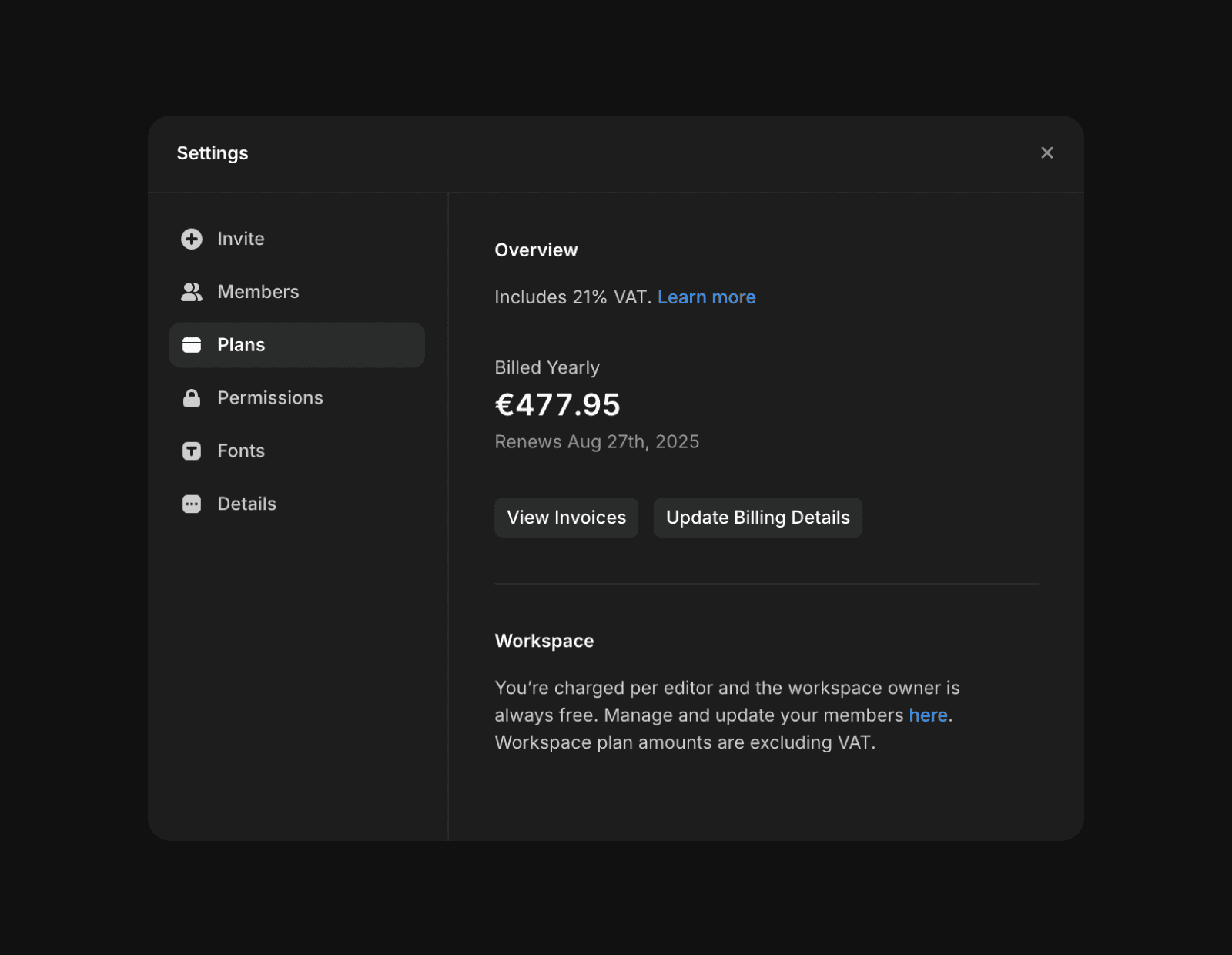
Click “Settings” in the left sidebar.
In the workspace settings, go to the “Plans” tab to view your active subscriptions.
Click “View Invoices” to access your invoices. This will redirect you to the payment provider’s website, where you can view and download the invoices linked to your account.
Note: Framer does not link invoices directly to the projects that incurred costs. For specific billing support, contact us.
How can I find and download invoices for my Framer workspace?
Log into your Framer account and navigate to the dashboard. Select the workspace with the subscription using the Workspace selector. Click 'Settings' in the left sidebar, then go to the 'Plans' tab in the workspace settings. Click 'View Invoices' to access your invoices. This will redirect you to the payment provider’s website, where you can view and download the invoices linked to your account.
Are invoices in Framer linked to specific projects that incurred costs?
No, Framer does not link invoices directly to the projects that incurred costs.
What should I do if I need specific billing support for my Framer workspace?
For specific billing support, you should contact Framer directly.
Updated