How to change the site name in Framer
Learn how to influence the site name that appears in Google search results.
The site name appears in Google above your page title. While Google ultimately decides what to display, you can influence its choice using structured data and meta tags.
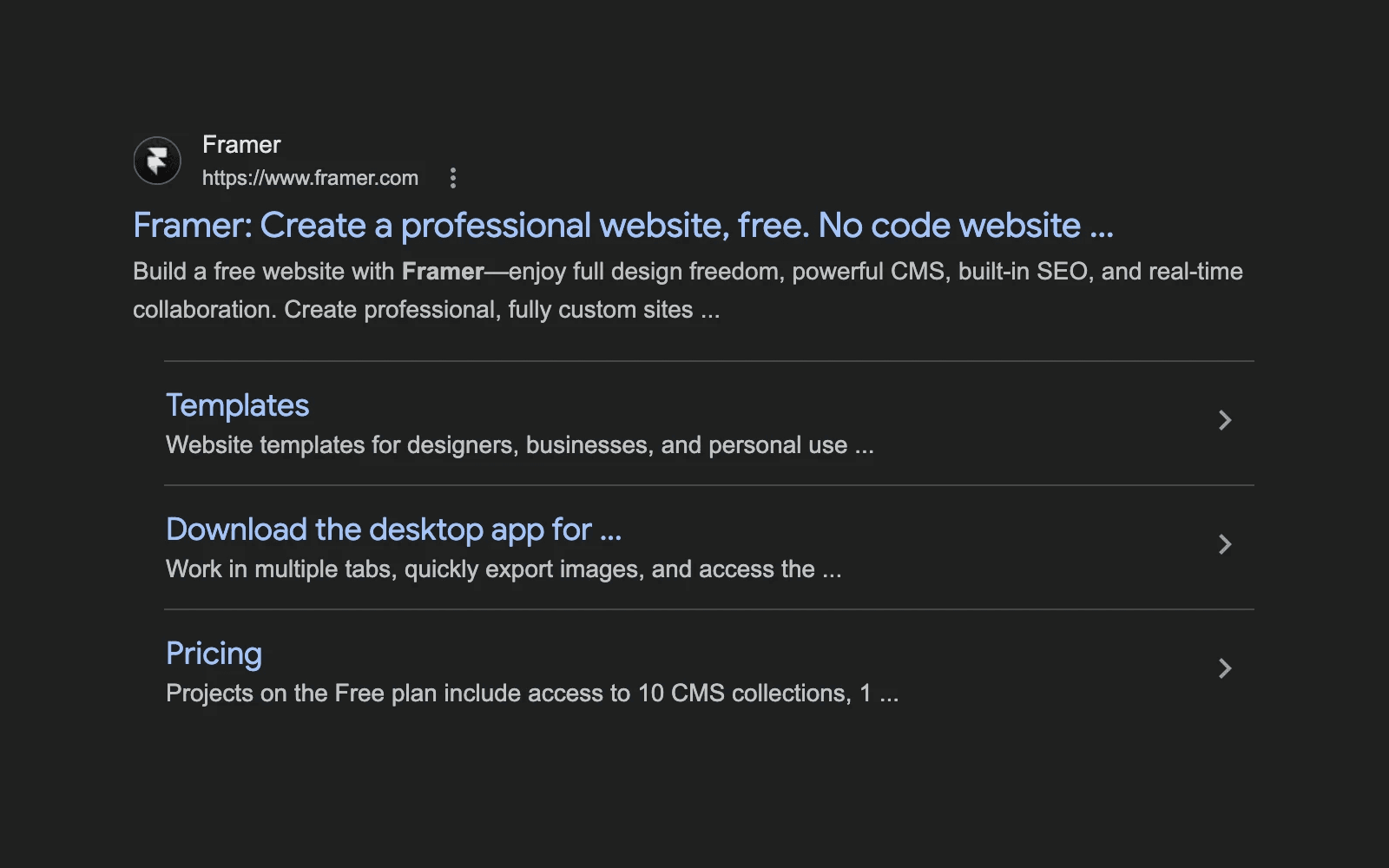
Option 1: Add WebSite schema markup
The most reliable method is to define your preferred site name using WebSite schema markup on your homepage. This structured data helps Google understand how your site should be labeled in search results. To add schema markup:
Open your homepage in Framer.
Add structured data using JSON-LD.
Define the
WebSiteschema and include your preferred site name.
If you need help adding structured data, refer to our guide on Structured data through JSON-LD. Following Google’s structured data guidelines increases the likelihood that your preferred site name will appear in search results.
Option 2: Add the og:site_name meta tag
You can also suggest a site name by adding an Open Graph meta tag in the <head> section of your site settings. To do this:
Open your site settings.
Go to the general settings where you can edit the
<head>content.Add the following meta tag, replacing
brand_namewith your preferred site name:
Publish your site after making changes. To see how your meta information is displayed across services like Google, X, LinkedIn, Slack, and more, use the Meta Check tool in Framer. This helps you preview how your site appears when shared and ensures your metadata is set up correctly.
Follow Google’s guidelines
Google uses automated systems and multiple signals to determine the displayed site name. To improve your chances of showing your preferred name, follow Google’s official site name guidelines in their Search documentation.
Keep in mind that adding structured data or meta tags does not guarantee that Google will use your chosen name, but it significantly increases the likelihood.
How can I specify my preferred site name for Google search results in Framer?
The most effective method is to specify your preferred site name using WebSite schema markup on your homepage. This markup lets you define a site name that Google may use in search results.
Is there a way to influence the site name shown by search engines using meta tags in Framer?
Yes, you can add a meta tag in the <head> section through the general settings. Use the following tag, replacing brand_name with your desired site name: <meta property="og:site_name" content="brand_name" />.
What else can I do to increase the chances of my preferred site name appearing in search results?
To maximize the chances of displaying your preferred site name, follow Google’s guidelines. While Google’s algorithm is automated and considers various signals, following these guidelines can improve the likelihood that your preferred name will be featured.
Updated