Prevent pages from being indexed by search engines
Learn how to stop specific pages from appearing in search engine results.
Use the page indexing settings in Framer to control which pages search engines can index and display in search results.
Disable indexing for a page
To prevent a specific page from being indexed by search engines:
Open your site in Framer.
Click the gear icon in the top toolbar to open Page Settings.
Locate Search engines.
Turn this option off.
Republish your site.
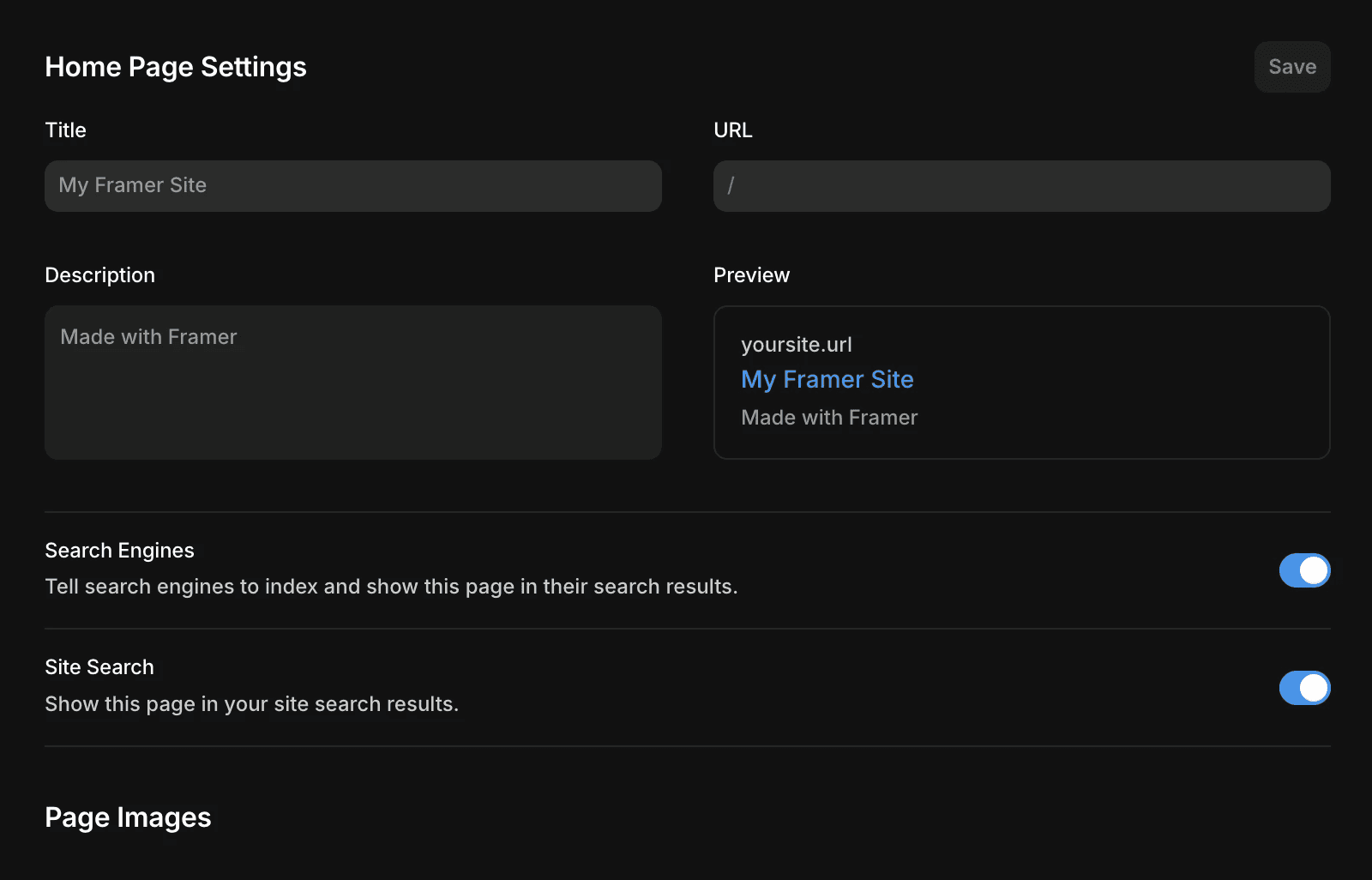
When disabled, Framer adds the following meta tag to the page:
Why doesn’t robots.txt change to “Disallow”?
Disabling indexing in Framer uses the noindex meta tag rather than updating your robots.txt file. This follows Google’s recommended approach for preventing pages from appearing in search results.
A robots.txt rule only tells search engines not to crawl a page. It does not guarantee that the page will be excluded from search results. If other websites or pages link to that URL, search engines may still index and display it without visiting the page.
Using a noindex meta tag is more reliable because it explicitly instructs search engines not to include the page in search results after crawling it.
Important considerations
For a noindex directive to work correctly, search engine crawlers must be able to access the page and read the meta tag.
If the page is blocked by robots.txt or is otherwise inaccessible, search engines may not see the noindex directive. In some cases, the URL could still appear in search results if other pages link to it.
If you need stronger protection, consider restricting access to the page with password protection or another access-control method.
FAQ
Why is my page still appearing in search results after enabling “noindex”?
Search engines may take time to recrawl and process the page. Until they revisit the page and detect the noindex tag, the URL may continue to appear in search results.
Can I use robots.txt instead of “noindex”?
Google recommends using noindex when you want to prevent a page from appearing in search results. A robots.txt rule only blocks crawling and does not guarantee removal from search indexes.
Does disabling indexing affect the rest of my site?
No. The setting only applies to the specific page where it is enabled. Other pages on your site remain indexable unless you disable indexing for them individually.
Updated
