Adding a new locale
Learn how to add a new language and region to your Framer site.
Localization in Framer makes it easy to adapt your website for different languages and regions. This guide explains how to add a new locale and start translating your content.
Adding a new locale
Locales in Framer are the languages your website can be translated into. Each locale corresponds to a single language, with an optional region assigned to it.
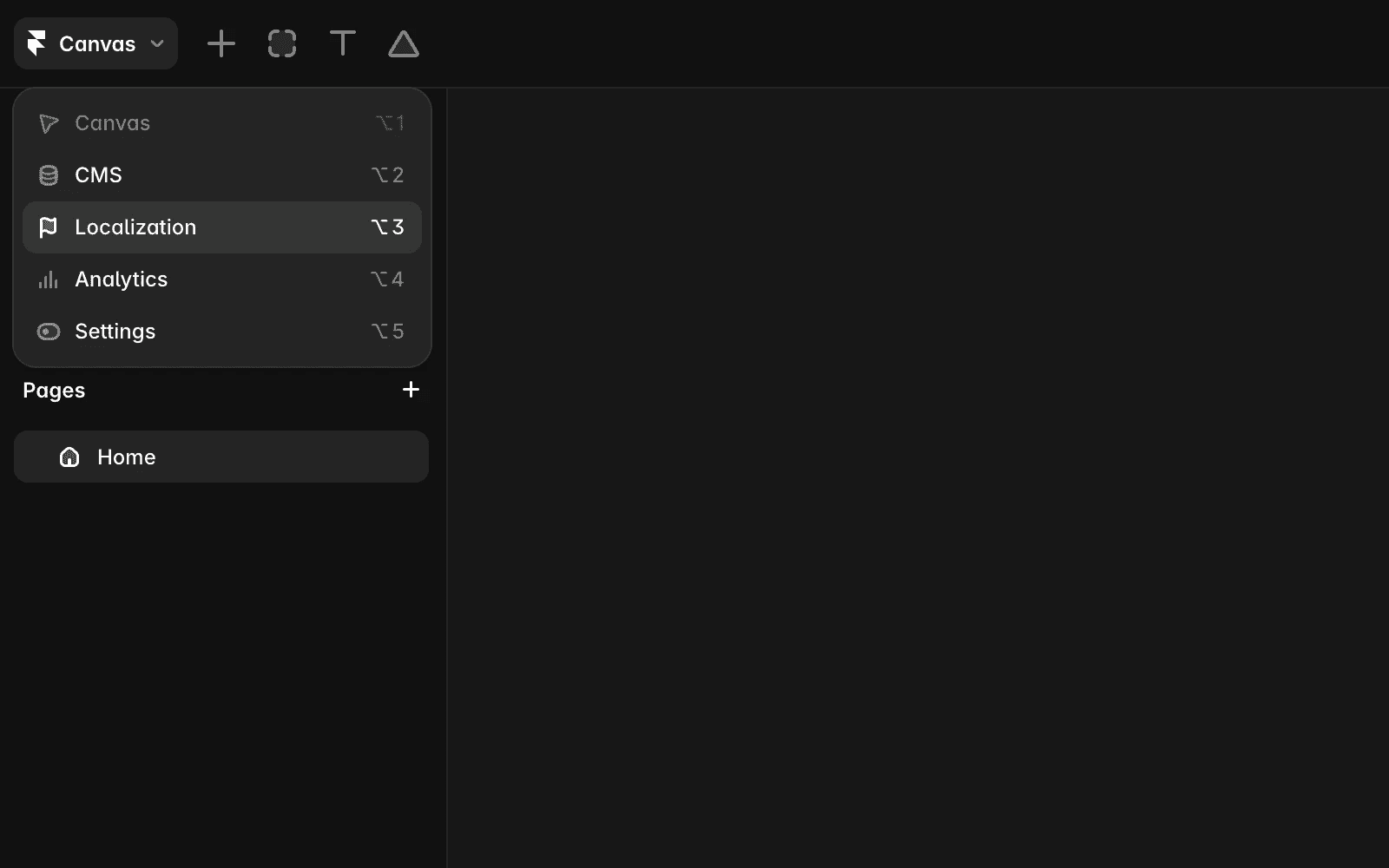
To add a new locale, open the Localization view from the menu in the top-left corner.
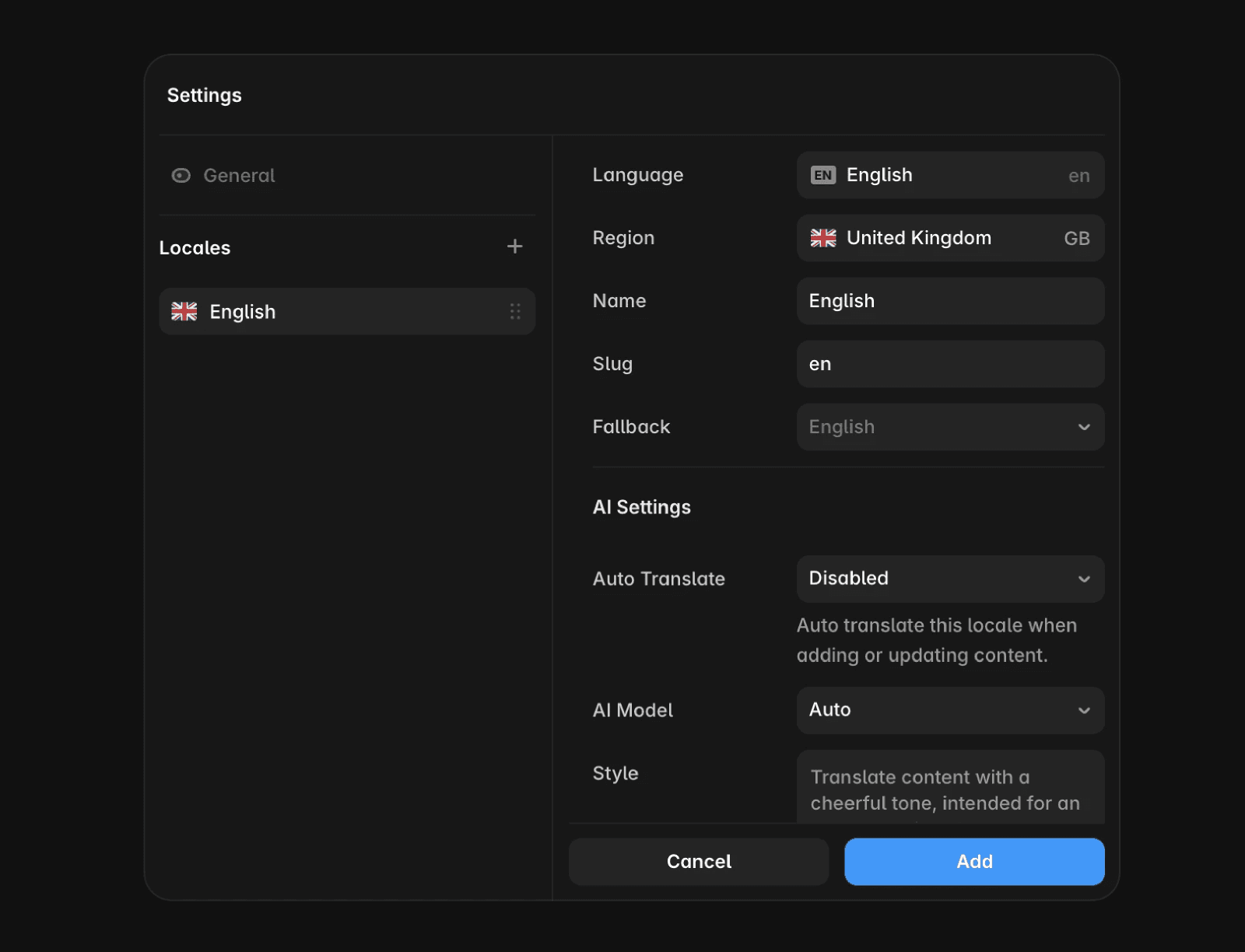
Then, click Add Locale and select a language. You can choose a specific region or set a fallback language, which will display when translations are missing.
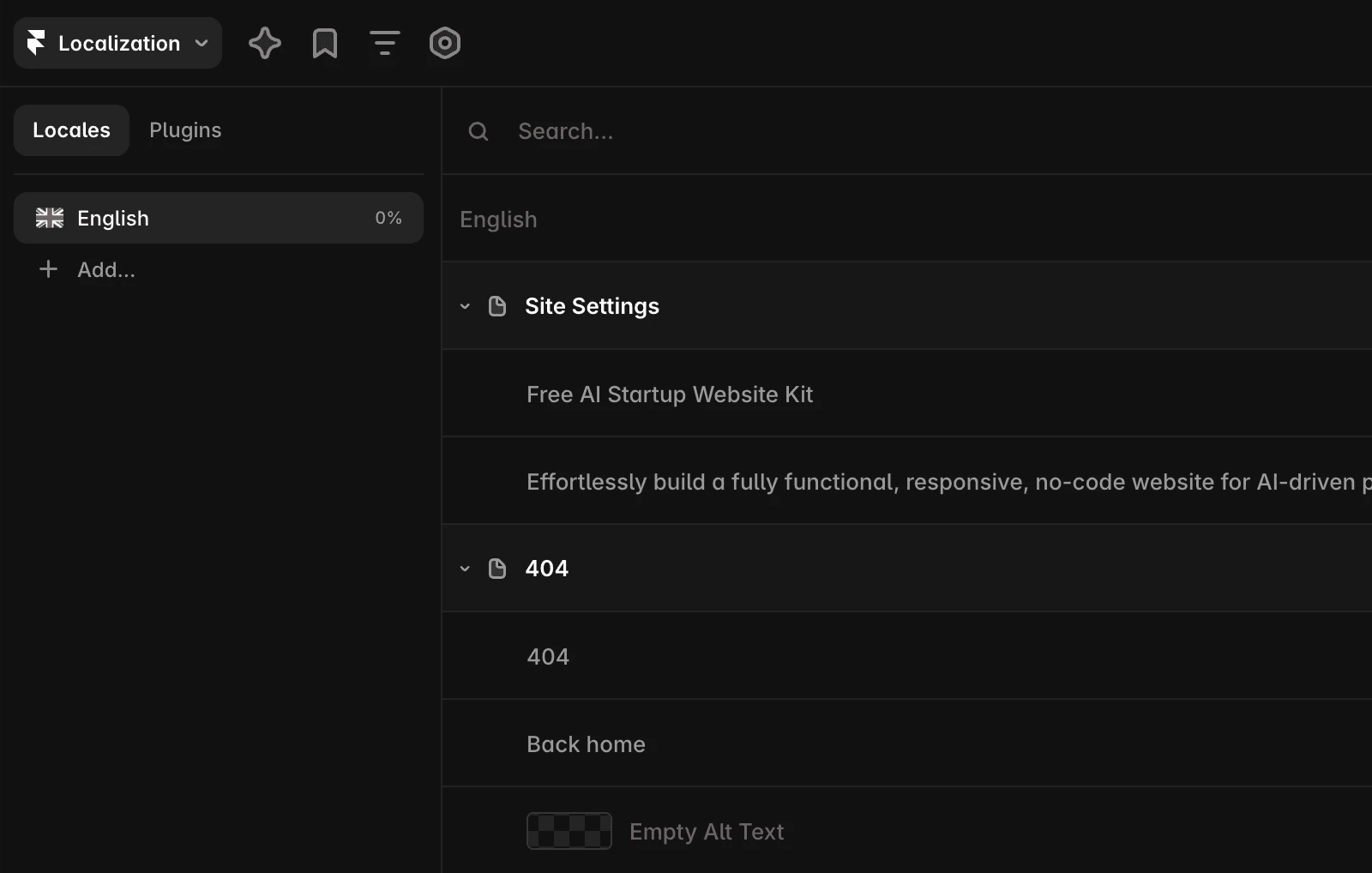
Once the locale is created, all text strings in your project, such as page titles, descriptions, and image alt text, will appear in the Localization table, organized by page.
You can translate content in two ways:
Manually by entering your own translations.
Using AI Translation to partially or fully translate all content automatically. Learn more about the AI models used here.
AI Translations and credits
The Localization add-on gives you access to locales and the translation workflow itself. Using AI Translation is an AI feature, which means each AI translation consumes credits from your plan.
If you run out of credits, you can still translate all of your content manually — adding locales and entering translations yourself never requires credits.
Previewing locales
After creating a locale and translating your content, you can preview how your site looks in each language.
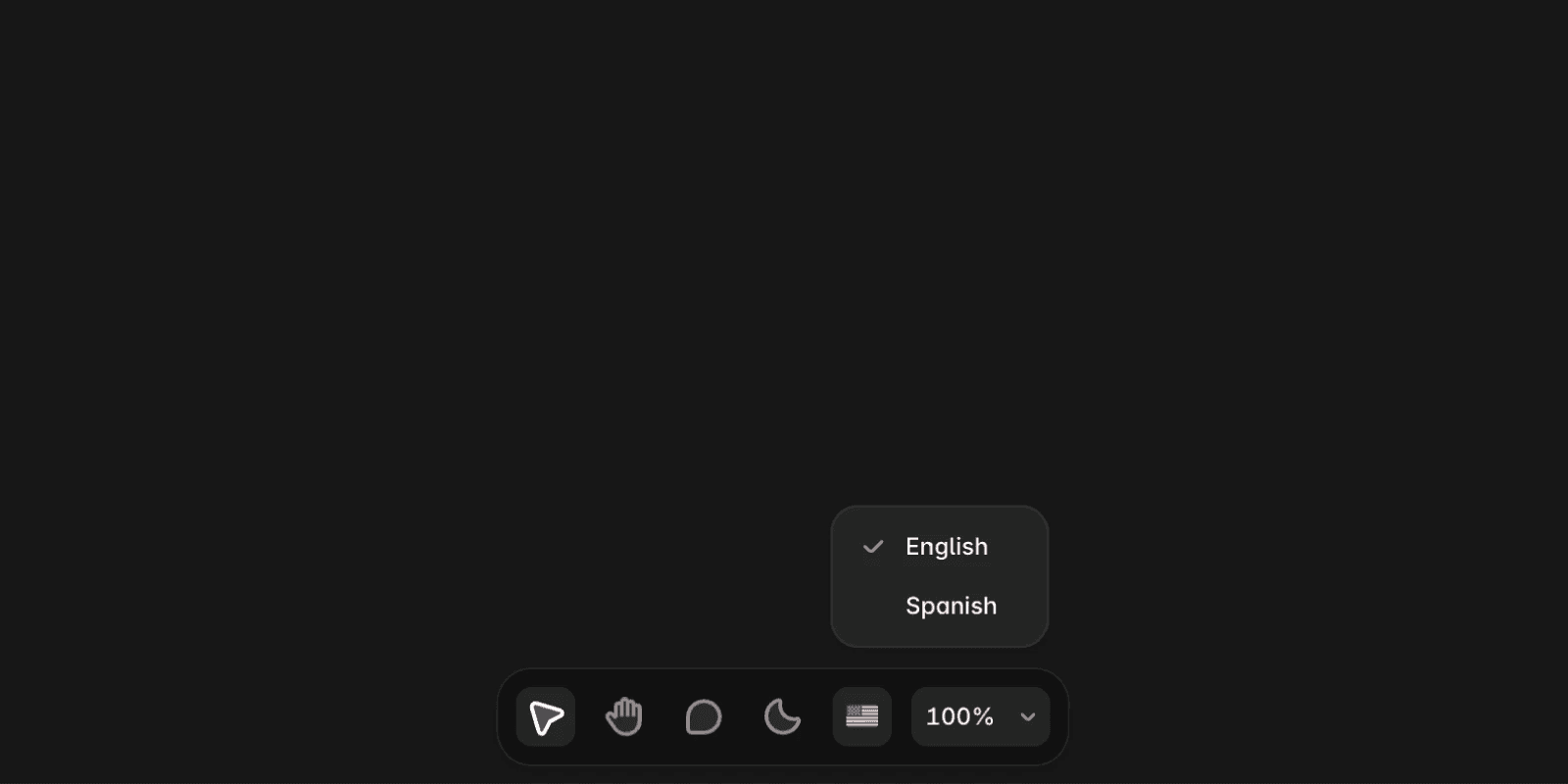
In the canvas, click the locale icon in the bottom navigation bar to switch between locales. You can also edit translations directly in the canvas.
FAQ
How do I add a new locale to my Framer website?
To add a new locale, open the Localization view from the menu in the top-left corner. Then, click Add Locale and select a language. You can choose a specific region or set a fallback language, which will display when translations are missing.
What are the ways to translate content in Framer after adding a new locale?
You can translate content manually by entering your own translations, or use AI Translation to partially or fully translate all content automatically.
How can I preview my Framer site in different languages after adding locales?
In the canvas, click the locale icon in the bottom navigation bar to switch between locales. You can also edit translations directly in the canvas.
Updated
