

Benjamin
2:59
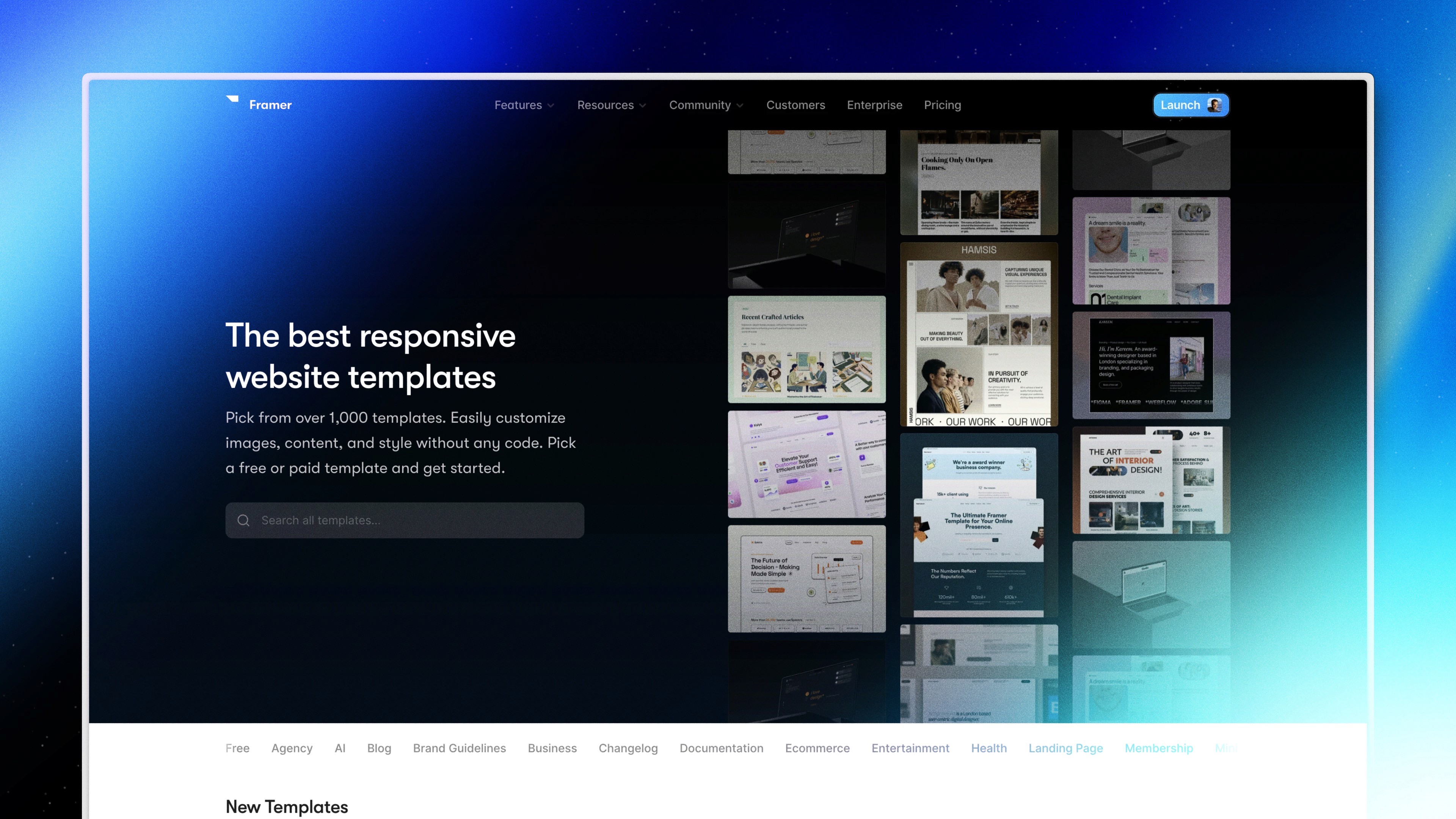
Open and edit Framer templates
Open and edit Framer templates by adding a copy of the template project to your account. Change its text, images, colors, layout, and other canvas properties like any Framer project, then publish it on a free domain or attach a paid site plan and custom domain. Templates are complete project copies, not styles applied to an existing project.
Lesson details
In this Framer tutorial, you will learn How to Open and Edit Framer Templates. We explain a practical workflow, highlight the key settings that affect the result, and show how to apply the technique on real pages for cleaner UX and better site performance. See Using Components.
Frequently asked questions
How do I use a Framer template?
Choose a template and use its free or purchased link to add a copy to your Framer account. Open that copied project and edit it directly on the canvas.
Can I apply a Framer template to an existing project?
No. A Framer template is a copy of a complete project, not a theme or style package applied to another project. Move any required content deliberately between projects.
Can I change everything in a Framer template?
Yes. After the project is in your account, you can edit text, images, colors, layout, Components, and other project content just as you would in a project you created yourself.
Can I publish a template on a free domain?
Yes. You can publish the copied project to a generated framer.app domain. Attach a suitable site plan when you need features such as a custom domain.
What should I replace before publishing a template?
Replace placeholder copy and images, check links and forms, review responsive breakpoints, update metadata, and confirm that any licenses or template instructions are satisfied.
Continue watching
Load more