

Benjamin
5:07
Build a CMS Plugin for Framer
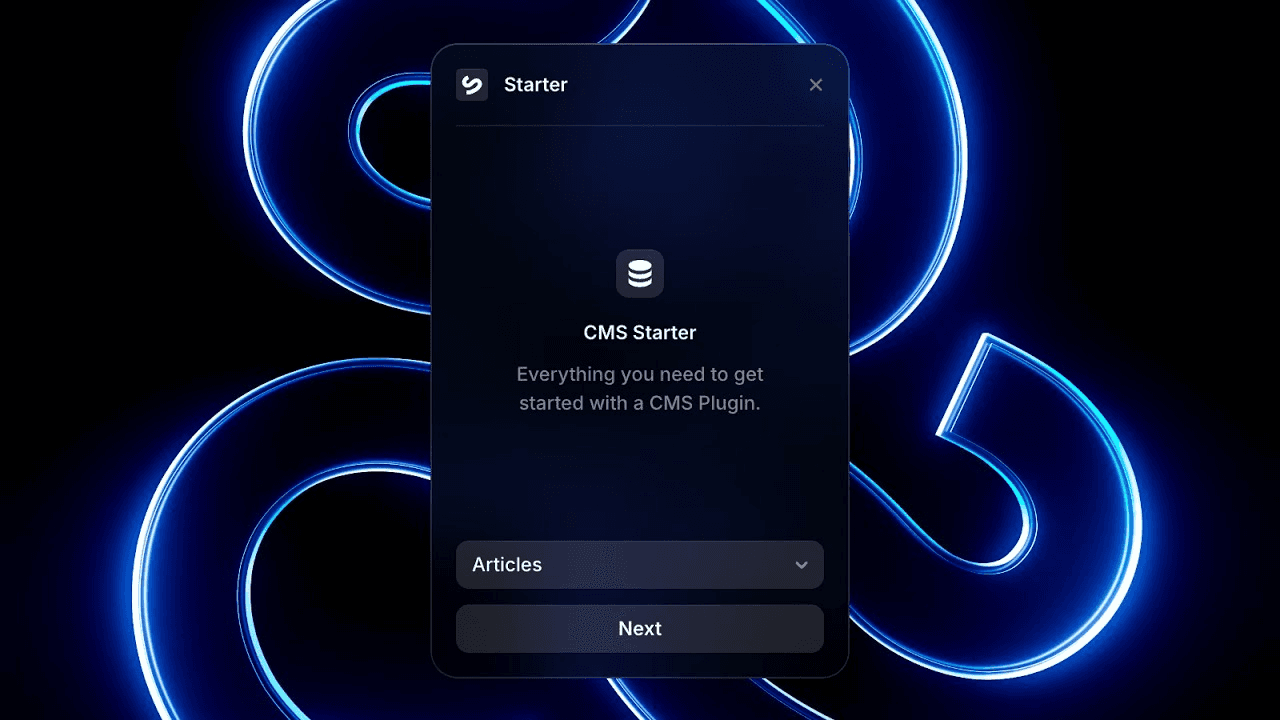
Learn how to build a CMS Plugin for Framer. The CMS Starter Plugin is the fastest way to get started building your next CMS Plugin. You will work with CMS fields, collection items, or collection lists while keeping the content editable in Framer.
Lesson details
Build the Plugin around a focused CMS task, connect to the Framer Plugin API, and read the current collection schema before creating or updating content. Map each external value to the correct field type and identify items by a stable key such as a slug or source ID.
Preview the changes and preserve unrelated fields during updates. Handle missing data, duplicate records, and API failures explicitly so rerunning the Plugin does not create a second copy of the same CMS item.
Check the rendered list or detail page as well as the CMS table. A correct field value can still wrap, crop, or disappear when its binding meets the final layout.
Frequently asked questions
How do I build a CMS Plugin for Framer?
Learn how to build a CMS Plugin for Framer. The CMS Starter Plugin is the fastest way to get started building your next CMS Plugin. You will work with CMS fields, collection items, or collection lists while keeping the content editable in Framer.
What does this lesson cover?
The lesson covers the settings and steps used to build a CMS Plugin for Framer. See CMS Starter Plugin. Follow the demonstrated order in your project and review each change on the canvas before moving to the next step.
Does this workflow keep CMS content editable?
Yes. The workflow uses Framer CMS fields, items, references, or collection lists rather than flattening the content into a static page. Review the field mapping and each affected item after the change so editors can keep managing the content from the CMS.
Will CMS changes update collection pages?
CMS-backed collection lists and detail pages use the values stored in their connected fields. A field or item change can therefore appear wherever that content is bound. Review the list page, detail page, references, filters, and empty states after completing the workflow.
What should I review after I build a CMS Plugin for Framer?
Review the exact pages and elements changed by the workflow. Confirm that copy, links, accessibility, responsive behavior, and interaction states still work as intended. Use preview for the final check and keep publishing separate from editing so you can fix problems before visitors see the update.
Continue watching
Load more